

AI training, inference, real-time analytics, and increasingly dense hardware architecture are rewriting what “normal power range” looks like in the data center. Racks that once sat comfortably in the 5 kW to 15 kW range are now being designed for 30 kW, 60 kW, and beyond. As power density climbs, the old assumptions about airflow, fan walls, hot aisles, and raised floors start to break down. At a certain point, it’s not just hard to cool with air, it becomes inefficient, space-consuming, and operationally fragile.
That’s why liquid cooling has moved from a niche option to a central infrastructure conversation. Data center liquid cooling isn’t one single product or architecture; it’s a set of techniques that move heat using liquid’s superior thermal capacity, making it possible to support high density data center cooling without turning the entire facility into a wind tunnel.
Liquid cooling is a method of removing heat by circulating a liquid coolant through or near heat-generating components, then rejecting that heat elsewhere (often via a heat exchanger) where it can be dissipated more efficiently. In a data center context, it generally means capturing heat close to where it is produced—inside the rack, inside the server, or directly at the chip—so the facility doesn’t need to rely solely on moving huge volumes of chilled air.
Liquid cooling’s key advantage is physics. Compared to air, liquid can absorb around 3200x more heat per unit volume.1 That means you can move the same amount of heat with:
In practical terms, liquid cooling in data centers typically follows a heat-removal chain like this:
Because there are multiple ways to “capture” heat, liquid cooling technology shows up in several architectures, some incremental (like rear-door heat exchangers), some transformative (like immersion). Data centers can adopt liquid cooling solutions gradually, or design a fully liquid-ready facility from day one.
Data centers adopt liquid cooling for data centers for a mix of performance, economics, and risk-management reasons, especially when scaling AI and HPC.
Many operators report that once you get past certain system thresholds, air cooling becomes increasingly impractical. Industry commentary commonly points to the difficulty of relying on air alone above ~20 kW per rack, while AI racks can reach far higher ranges.2
Fans and airflow infrastructure are not free. Even before you consider chillers, air-cooled designs often spend meaningful power pushing air through increasingly restrictive server designs. Liquid cooling can lower fan requirements and help the facility run at warmer setpoints depending on architecture.3
When components run hot, they may throttle, error, or reduce boost behavior. Liquid cooling in data center environments can provide more consistent inlet and component temperatures, helping performance stay predictable.
If you’re building in space-constrained metros or retrofitting older buildings, liquid cooled servers can be a pathway to modern compute densities without rebuilding the entire HVAC approach.4
Liquid cooling in data centers refers to any cooling approach that uses liquid as the primary transport medium for heat removal, rather than relying exclusively on air as the heat transport medium.
In practice, most data center implementations follow one of these patterns:
As AI growth accelerates, sustainability constraints are also shaping design choices. Water availability and cooling method tradeoffs are becoming more visible in public reporting, and operators are exploring closed-loop and lower-water approaches alongside capacity expansion. A new reference to the use of WUE (Water Utilization Efficiency) is now being tracked.5
Rear-door heat exchangers replace the rear door of a rack with a liquid-cooled radiator. Hot exhaust air passes through the door and gets cooled before entering the room.
Where it fits best
Key things to watch out for
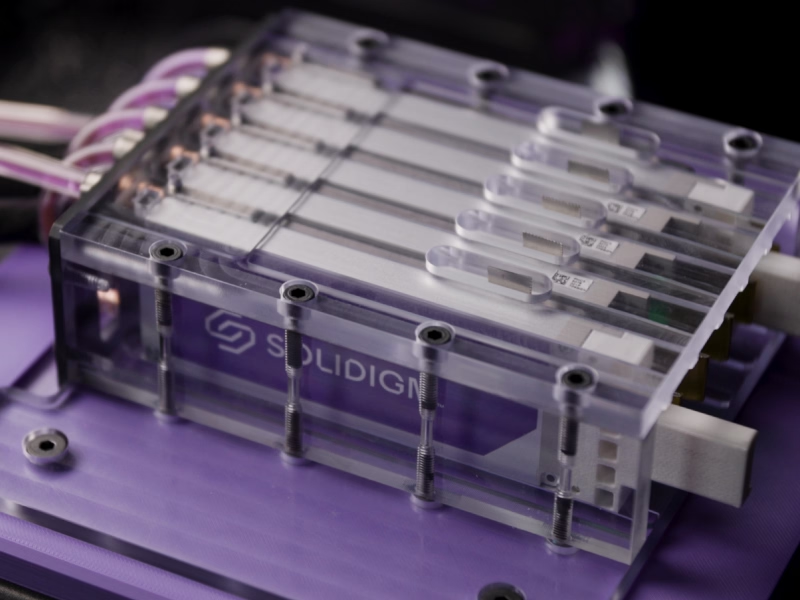
Direct-to-chip is often the “default” picture people have of data center liquid cooling: coolant is routed through cold plates attached to hot components (GPUs, CPUs, SSDs).
This category is especially important for liquid cooling in AI data centers, where GPUs dominate the thermal profile and rack densities can leap well beyond conventional designs with some reaching almost a quarter-million GPUs.6
What makes it compelling
Operational considerations
Immersion cooling places servers or components into a dielectric fluid. Heat transfers directly into the fluid, which is then cooled via a heat exchanger.
Why teams choose immersion
Why teams hesitate
ASHRAE and industry guidance continue to evolve as these techniques move mainstream, emphasizing reliability, operability, and risk controls as power densities rise.7
In-row cooling places liquid-cooled units close to the racks, reducing the distance air must travel, thus improving control. It’s often used in high-density zones inside otherwise conventional facilities.
Good for
Many modern designs use coolant distribution units (CDUs) to isolate the facility loop from the IT loop. This supports increased control, cleanliness, and pressure management, and it can make retrofits more feasible.
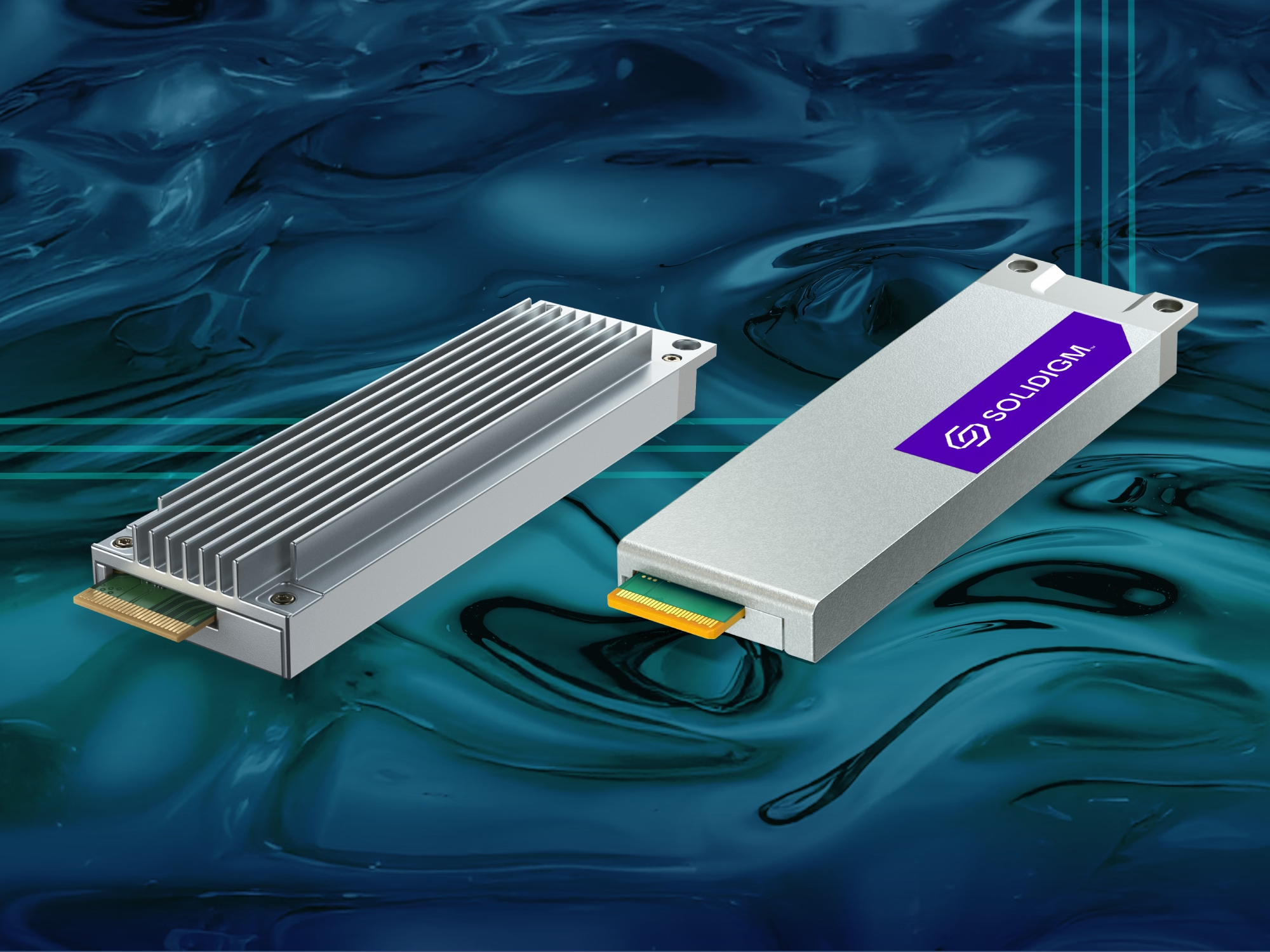
A liquid cooled SSD is not just an SSD with “better heatsinks.” It’s an SSD engineered so liquid cooling interfaces can remove heat effectively without breaking the operational expectations of enterprise storage like hot swap serviceability, predictable fit, and maintainability at scale.
Solidigm has worked with NVIDIA to address SSD liquid-cooling challenges, such as hot swapability and single-side cooling. The Solidigm fully liquid-cooled SSD solution cools both sides of the SSD with a single cold plate and is hot-swappable for space savings and easy maintenance. Find out more about this industry first here.
Air and liquid cooling both remove heat from IT equipment, but they do it in fundamentally different ways. Use this comparison to quickly match the cooling approach to your density, reliability, and operational needs.
Air cooling
Liquid cooling
Air cooling
Liquid cooling
Air cooling
Liquid cooling
Air-cooled storage
SSD liquid cooling
Air cooling tends to fit environments where airflow engineering is already the operational foundation and rack densities remain within established comfort zones.
Liquid cooling tends to fit environments where density targets, AI growth, or platform roadmaps make airflow the bottleneck, and where teams are ready to operate a cooling system that behaves more like infrastructure (loops, controls, procedures) than room-level HVAC alone.
Hybrid cooling blends air and liquid approaches in the same facility, row, or even rack—using each where it makes the most sense.
A hybrid cooling system is common when:
Hybrid designs can be an excellent “bridge strategy,” but they require clear operational boundaries: maintenance procedures, spare parts, monitoring, and facility coordination need to be documented and adapted.
The rise of AI servers is a major forcing function. Commentary around AI infrastructure frequently cites racks far above traditional levels, with some reporting on extremely high densities for advanced AI systems.
Depending on architecture, liquid cooling can:
Liquid cooling often provides tighter thermal control at the component level, reducing surprises from airflow turbulence, cable obstructions, and rack-level inconsistencies.
As platforms evolve, integrating liquid-cooled SSD options can support cohesive system thermal strategies—especially where serviceability is preserved.
Even when the long-term efficiency case is strong, liquid cooling solutions typically require:
Facilities teams, IT teams, and vendors need shared procedures for:
Leak detection and response
Quick-disconnect handling
Preventive maintenance
Coolant quality management
Alignment of component choices for each system
Modern designs work hard to minimize leak probability and impact, but enterprise teams still need to treat leak scenarios as first-class failure modes and plan accordingly.
Liquid cooling is becoming a defining capability of the modern data center, particularly as AI accelerates rack density, heat flux, and infrastructure stress. But the real story isn’t “liquid replaces air.” It’s that liquid cooling in the data center expands what’s possible: higher densities, more consistent performance, and new platform designs that would otherwise be impractical or inefficient.
And as compute becomes more central in the AI factory conversation, storage is being transitioned to liquid-cooling. The introduction of unique single-sided liquid cooling SSDs by Solidigm™ signals that SSD liquid cooling is not just a lab concept. It’s becoming part of the toolkit for building the next generation of high-density, AI-ready infrastructure.
Data centers need liquid cooling when rack density and heat output exceed what airflow can handle efficiently and reliably. Many operators find air-only designs become increasingly difficult past ~20 kW per rack, and AI racks can be far higher than that.
Direct-to-chip uses cold plates to pull heat from specific components (like GPUs, CPUs, and SSDs), while immersion submerges servers or components in dielectric fluid. Immersion can remove large amounts of heat, but it often requires bigger operational changes.
No. While liquid cooling for AI data centers is a major driver today, high-density databases, analytics clusters, and HPC environments also benefit from liquid-based approaches when heat and footprint become constraints.
A liquid cooled server rack is a rack designed to interface with liquid cooling infrastructure—such as rear-door heat exchangers, in-row coolers, or manifolds connected to a CDU—so heat can be removed with liquid rather than relying only on room air.
A liquid cooled SSD is engineered to transfer heat efficiently to a liquid-cooled interface (often a cold plate) while maintaining data center requirements like predictable fit and serviceability. Solidigm has designs that preserve hot-swap behavior while enabling effective liquid heat removal.
In high-performance environments, NVMe SSDs can generate enough heat to matter—especially when airflow is reduced in liquid-optimized servers. SSD liquid cooling helps keep performance stable and supports denser platform designs.
Hybrid cooling combines air and liquid methods in the same environment—for example, liquid on GPUs/CPUs in AI racks while the rest of the facility stays air cooled. A hybrid cooling system is often the most realistic adoption path for budget constrained operations.
Data center water use depends on the design. Some cooling systems consume significant water, especially evaporative approaches. Other systems emphasize closed-loop or water-saving designs. With data center water use under increasing scrutiny, teams should consider water and energy conservation early in the design or refit process.
The main operational concerns are leak management, maintenance procedures, coolant quality, and vendor variability. The best mitigations are strategic planning, monitoring, documented processes, and training—not just hardware selection.
Consider a hybrid model with direct-to-chip components, rack-level, or in-row adoption. Define clear success metrics like power density, thermal stability, fan energy reduction, and maintenance impact. Then expand once operational confidence is proven.
Cecily Whiteside is Search and Content Specialist at Solidigm. She writes for technology, lifestyle, and health & wellness websites and publications. Cecily has been managing editor at several magazines and contributed as a writer and photographer in others, both in the US and abroad.
1) https://spectrum.ieee.org/data-center-liquid-cooling
2) https://www.feace.com/single-post/higher-rack-density-requires-liquid-cooled-servers
3) https://blog.equinix.com/blog/2025/10/01/top-3-myths-about-data-center-operating-temperatures/
4) ref: https://www.solidigm.com/products/technology/edge-ai-seismic-data-processing-immersion-cooling.html
5) https://ambient-enterprises.com/news-insights/why-liquid-cooling-data-center-design-matters/
Subscribe for product updates, technical resources, and insights on accelerating AI workloads with Solidigm Storage